Owner / Admin
Start with installation, activation, company profile, backup planning, and user permissions.
Start with installation and activation, then move into day-to-day billing, POS, GST workflows, continuity setup, and super admin operations.
Start with installation, activation, company profile, backup planning, and user permissions.
Jump into customers, items, invoices, payments, POS, barcode, and printer workflows.
Focus on invoice status, GSTR exports, compliance workflow setup, and accountant handoff.
Owners and admins should finish activation, business setup, and continuity planning first. Billing operators can move directly into customers, items, invoices, and POS. Internal ops or support teams should use the Super Admin section for pricing, customer provisioning, and renewal workflows.
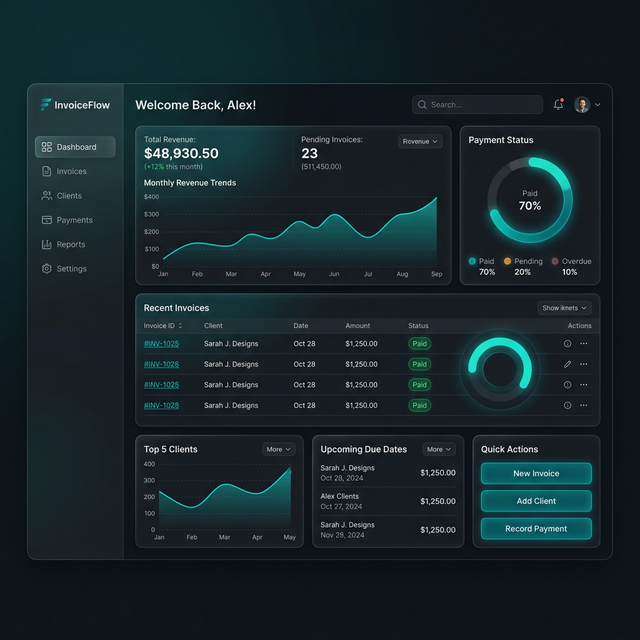
Install requirements, offline-first behavior, and single-PC vs multi-PC positioning.
Activation key entry, first admin, business profile, tax mode, bank details, and print defaults.
Prepare customers, shipping addresses, items, barcodes, opening stock, and imports.
Create quotations, invoices, bill of supply documents, receipts, advances, and statements.
Use Fast Billing, barcode scan-to-add, thermal receipts, and cashier hardware preferences.
Understand supply types, provider-backed e-invoice/e-way preparation, and TDS/TCS operational reporting.
Set correct expectations for backups, cloud continuity, LAN Hub, and Cloud Workspace.
Run customer provisioning, pricing control, renewal ops, inquiry conversion, and webhook diagnostics.
Read: Getting Started → Activation & Setup → Customers & Items → Invoices & Payments → Backup, LAN & Cloud.
Read: Customers & Items → Invoices & Payments → POS & Barcode.
Read: Invoices & Payments → GST Compliance → Backup, LAN & Cloud.
Read: Super Admin → Activation & Setup → Backup, LAN & Cloud.
| Surface | Use it for | Typical reader |
|---|---|---|
| User Manual | Step-by-step setup and operating workflows | Customer, admin, operator |
| Help Center | Quick questions and troubleshooting FAQs | Customer needing a fast answer |
| Internal docs | Deployment, activation backend, LAN Hub ops, security checklists | Your internal team |