Choose the right sales document
Tax Invoice
Use for normal taxable sales.
Quotation / Proforma
Use before a final sale is confirmed.
Bill of Supply
Use when composition or a non-tax collection scenario requires it.
Receipt Voucher
Use to acknowledge money received, including standalone advance receipts.
Create and settle an invoice
- Select the customer and confirm billing / shipping details.
- Add items, quantities, discounts, and transport data where relevant.
- Review supply type and tax behavior before saving.
- Save and print or share the invoice.
- Record payment immediately if the customer pays at the time of sale.
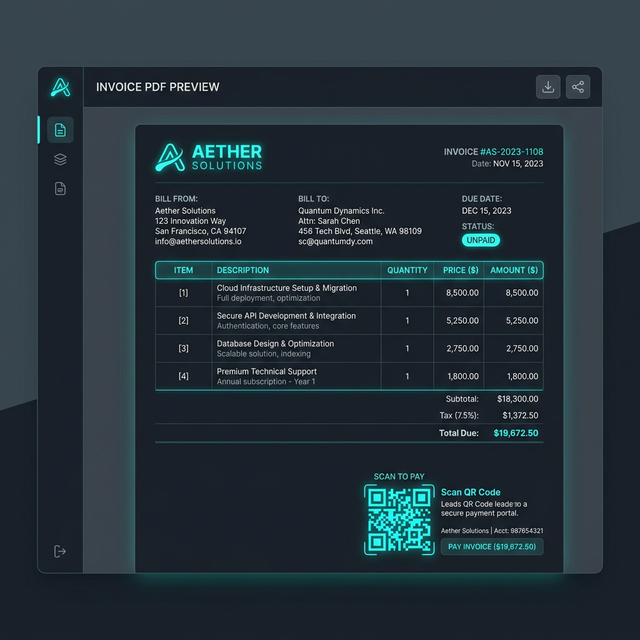
Start with the correct document
type. That decision drives numbering, tax behavior, and print language.
Payment and receipt actions
should stay attached to the invoice workflow so balances and statements remain accurate.
Use print/share after the
invoice is correct. A fast printout does not fix a bad document type or tax state.
Annotated view: invoice creation, settlement, receipt evidence,
and operator audit state belong in one connected workflow.
Advance receipts and payment receipts
- Use standalone receipt vouchers when money is received before the final invoice.
- Apply available advance during invoice settlement where appropriate.
- Record invoice-linked receipts from invoice detail when settling dues.
- Use customer statements and receivables views to monitor balances.
Do not treat a printed invoice as proof of cash receipt. Use the receipt workflow when you need
a clear acknowledgment trail.
What operators should check before saving
| Check |
Reason |
| Document type |
Wrong document type creates GST and reporting cleanup later. |
| Customer GST/state |
Affects CGST/SGST vs IGST behavior. |
| Supply type / transport details |
Important for compliance, especially for movement-heavy invoices. |
| Payment status |
Separates dues from settled invoices and keeps receivables accurate. |