Create customer records correctly
- Add customer legal name, phone, address, and GSTIN where applicable.
- Save shipping addresses if the customer has recurring delivery locations.
- Use opening balance only if there is an existing receivable or credit to carry in.
- Check credit expectations before enabling live credit billing.
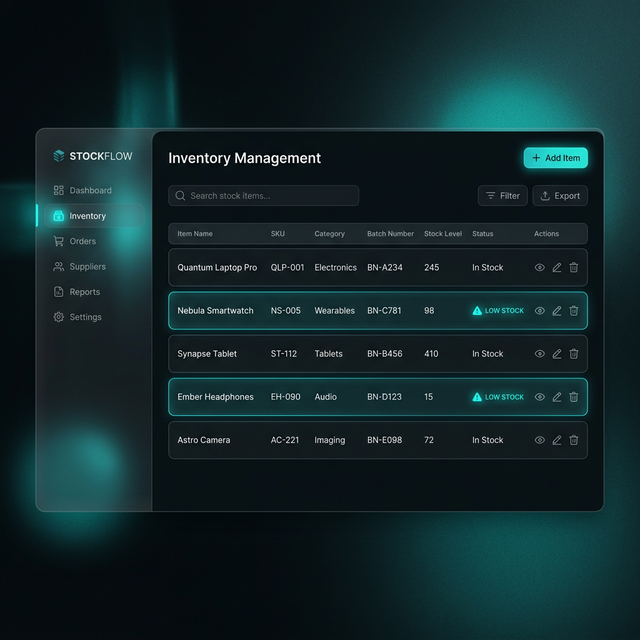
Customer and item quality is what
makes later billing and POS workflows reliable.
Keep searchable item data:
name, code, barcode, tax behavior, and selling rate should all be complete.
Opening stock and import
flows belong before live transactions, not as after-the-fact adjustments.
Annotated view: master data readiness is an operational discipline,
not just a data-entry task.
Prepare item masters
Identity
Set item name, unit, category, HSN/SAC, and barcode if the business uses scanning.
Pricing
Enter sale rate, purchase rate, GST rate, and MRP where relevant for retail operations.
Stock
Load opening stock before going live so inventory and low-stock alerts start from a real base.
Retail Readiness
Use barcode and print labels only after the item master is verified against the physical shelf item.
Use the import wizard when data volume is high
- Import customers from CSV when onboarding an existing business.
- Import items and opening stock before starting day-one sales.
- Review validation preview before applying imports.
- Correct duplicate names, empty tax fields, or invalid barcodes before final import.
Opening stock should be loaded as a real stock start point, not as ad hoc adjustments after billing has already started.
Barcode readiness checklist
| Field |
Why it matters |
| Barcode |
Required for scan-to-add in Fast Billing and barcode label printing. |
| Sale rate |
Needed so a scan creates a usable invoice line immediately. |
| GST rate / HSN |
Required for invoice correctness and compliance output. |
| Opening stock |
Prevents false stock-outs and negative inventory from day one. |